Comic Collection Exports and Backups
Download a spreadsheet inventory, keep a native backup, or create a Google Sheet from your saved comic records.
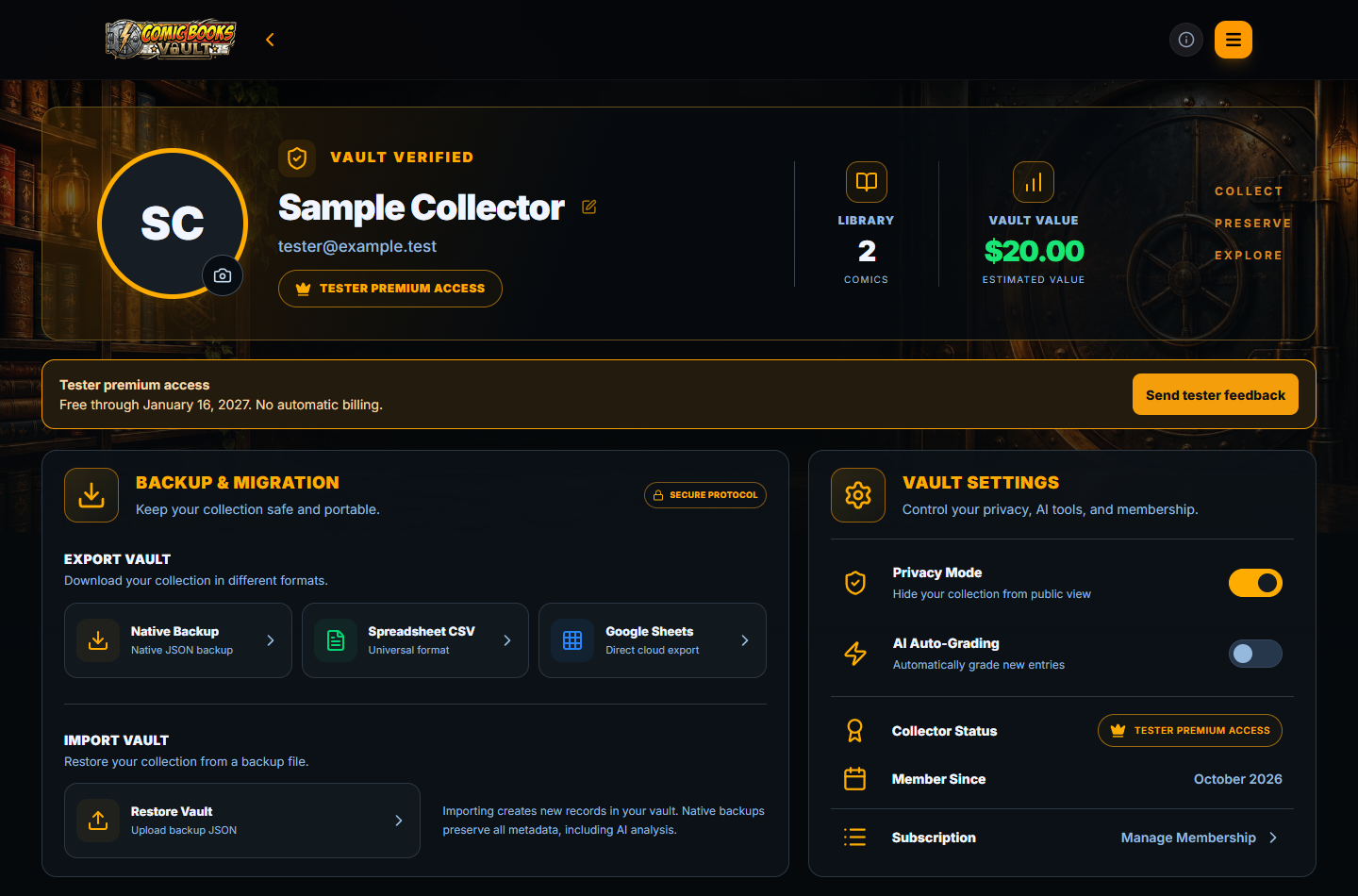
Choose the format for the job
Use the export controls in account settings after your records have synchronized. Exporting an empty vault does not create an inventory.
- CSV: a broadly compatible inventory for spreadsheets.
- JSON: a native backup containing richer record data for supported import.
- Google Sheets: a separate cloud spreadsheet requiring Google sign-in and authorization.
Keep a native backup before importing
Save an unchanged JSON copy somewhere you control. Native JSON import creates records and can produce duplicates when the comics are already present.
A spreadsheet template or arbitrary CSV is not a native Comic Books Vault import file. Keep that distinction in mind when migrating records.
Example inventory
A CSV inventory includes title, issue, publisher, year, value, quantity, condition, writer, artist, variant, key-issue and autograph flags, and description.
Review the export before sharing it. A downloaded file or Google Sheet has its own privacy and sharing settings outside your Vault.
Download a sample CSV export · Free collection spreadsheet template · Export and backup FAQ