Comic Book Cover and Barcode Scanner
Identify a comic from its cover, review the match, and save a useful collection record. Scanning requires Vault Pro.
From cover image to collection record
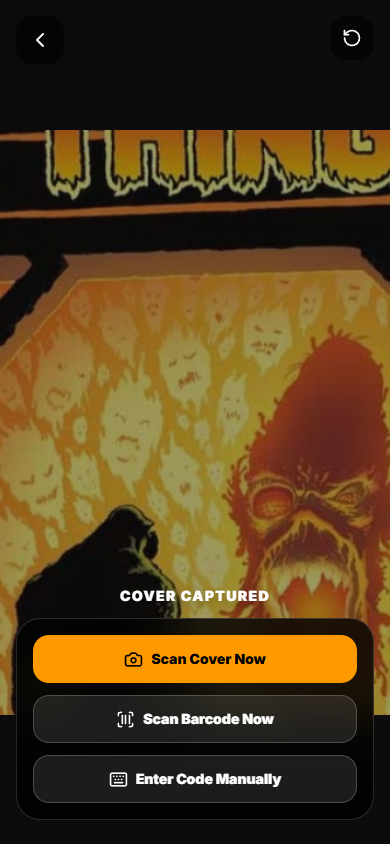
Open Scan Comic on a supported mobile device, or use Upload Cover on desktop. Frame one cover in clear light, capture or upload it, and review the retained image before continuing.
The scanner reads visible details and compares them with catalog candidates. Available barcode signals can narrow the match; a cover scan is still useful when a code is missing or unreadable.
- Check the series, issue number and publication year.
- Confirm the variant, printing and cover artist when available.
- Correct the suggested details before saving the record.
A suggested match deserves a review
Similar covers, reprints, glare, bags and slabs can make identification difficult. Photograph the full cover squarely and compare the result with the physical book. A suggested identity is not an authentication.
Optional condition estimates use visible cover information. They cannot reliably establish the condition of interior pages, hidden defects, restoration or a professional grade.
What you need to start
Create an account and review Vault Pro membership for scanner access. Existing collection records remain accessible after Pro ends.
Compare Free Vault and Vault Pro · Scanner FAQ · How to catalog a comic collection